The most secure way to organize your WordPress files. If your site feels messy right now, this solution can clean everything up and make your workflow 10x better
Showcase your Dropbox files effortlessly on the frontend. From sleek galleries to smooth media players, give your users a dynamic and engaging browsing experience.

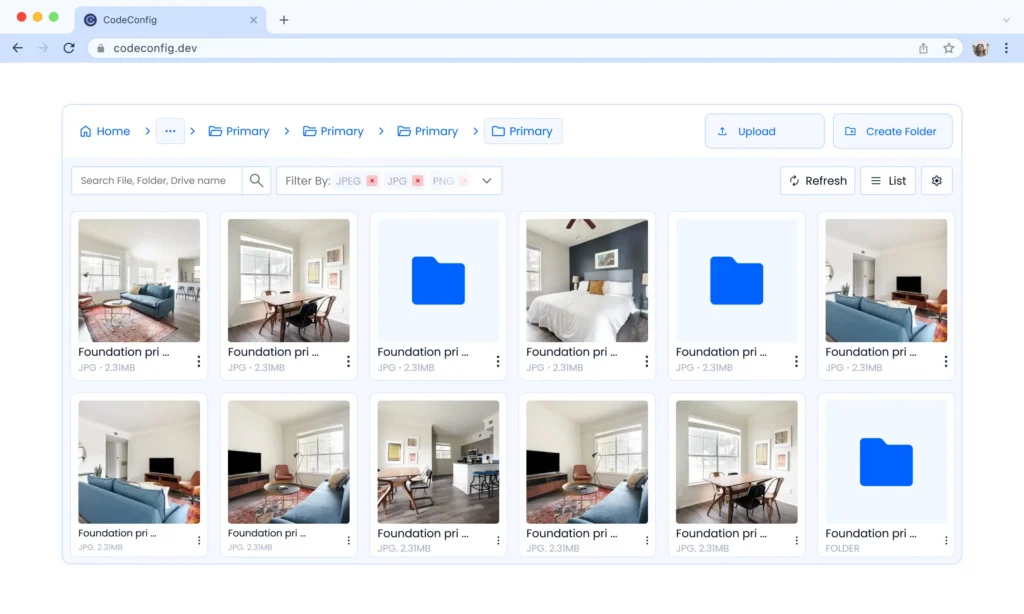
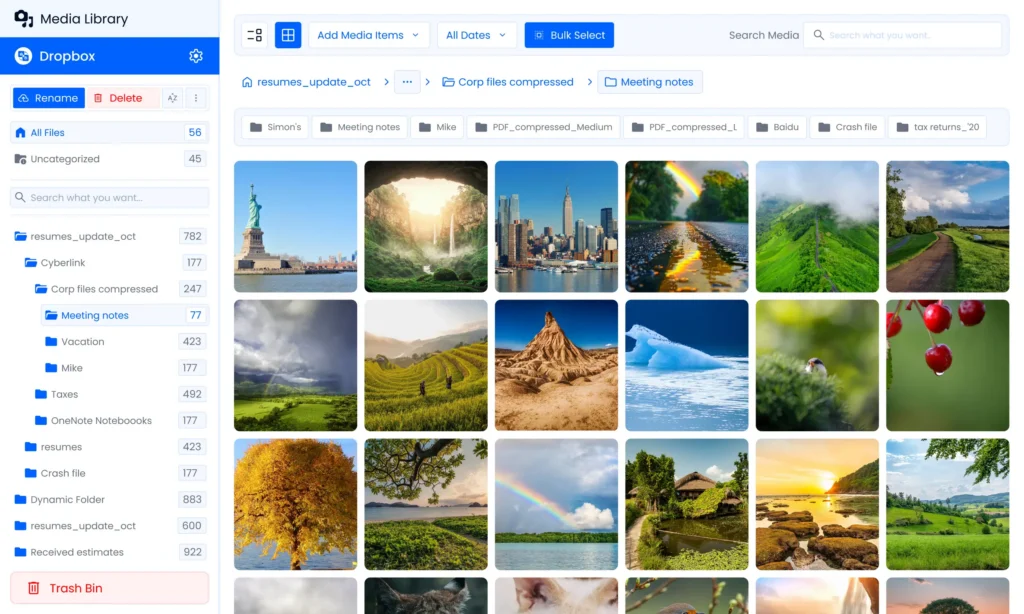
Easily browse and manage your Dropbox files directly within WordPress. Quickly access, organize, and use your files for posts, pages, or media without leaving your site.
View Demo
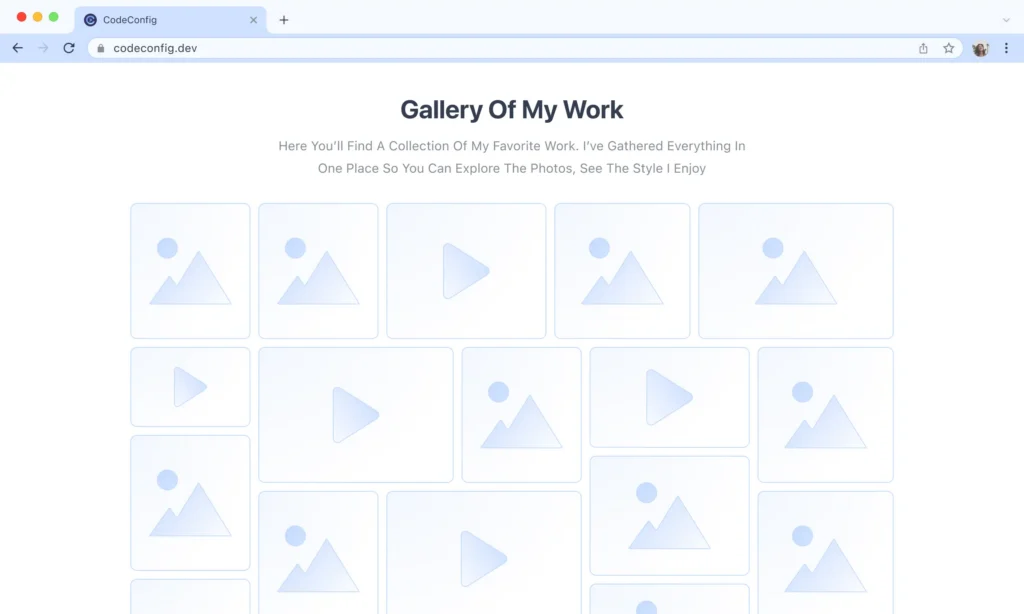
Display your Dropbox images and videos in a beautiful, responsive gallery. Easily showcase media on posts or pages with smooth layouts and full WordPress integration.
View Demo
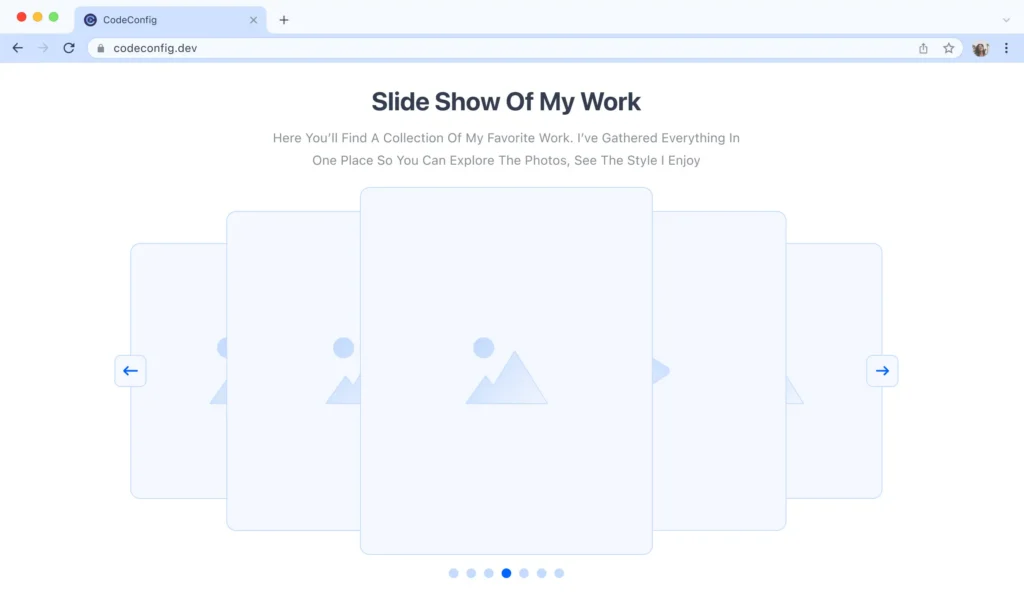
Showcase your Dropbox images and media in an interactive slider carousel. Enjoy smooth transitions, responsive design, and easy integration with your WordPress site.
View Demo
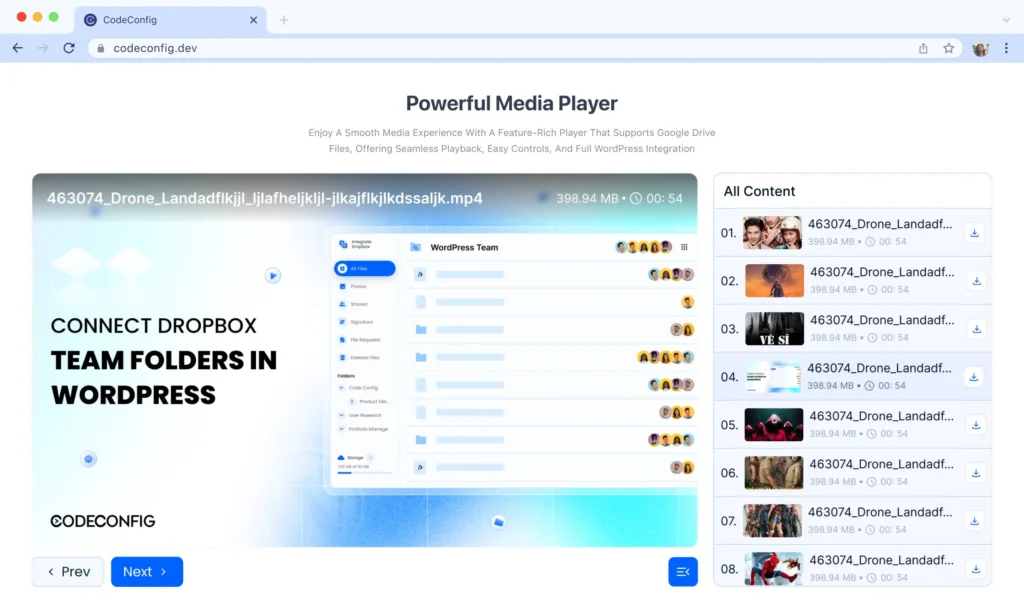
Enjoy a smooth media experience with a feature-rich player that supports Dropbox files, offering seamless playback, easy controls, and full WordPress integration.
View Demo
Embed Dropbox documents including PDFs, spreadsheets, and presentations directly into your pages.
View Demo
Enable visitors to search across connected Dropbox folders with fast, real-time query results.
View DemoTake full control of your WordPress media. Directly manage Dropbox files, save server storage, and enjoy smooth, secure media access without slowing down your site.

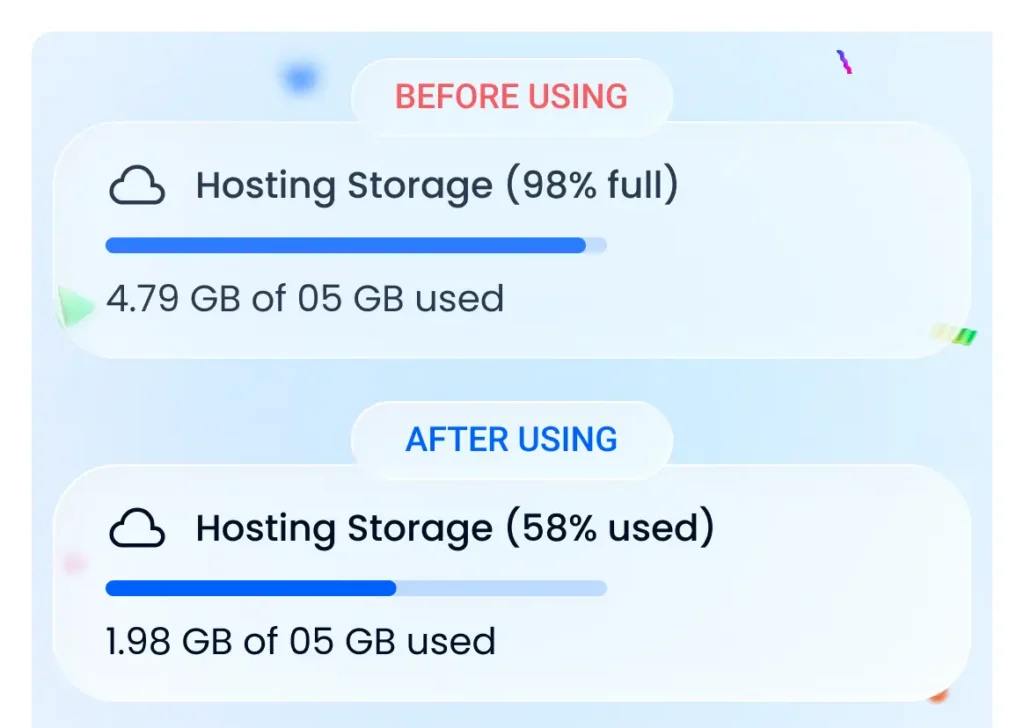
Store all large assets in Dropbox and serve them on WordPress without filling up your hosting disk space.
View Demo
Generate clean, SEO-friendly URLs for your Dropbox files so search engines can easily index your assets.
View Demo
Access and use your Dropbox files directly inside the WordPress Media Library without uploading them to your server.
View DemoSupercharge your site with advanced tools designed for power users. From multi-account support to smart notifications, experience next-level file management and efficiency.

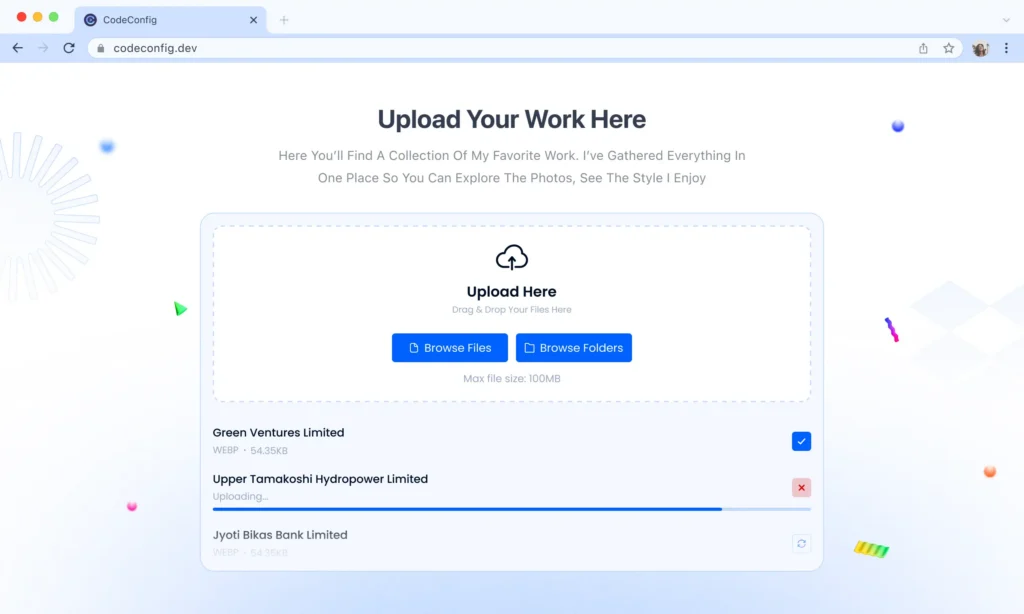
Allow users to upload files smoothly via Dropbox with a fast and intuitive interface. Collect event images, documents, or any other files easily, all managed directly through the upload box on your WordPress site.
View Demo
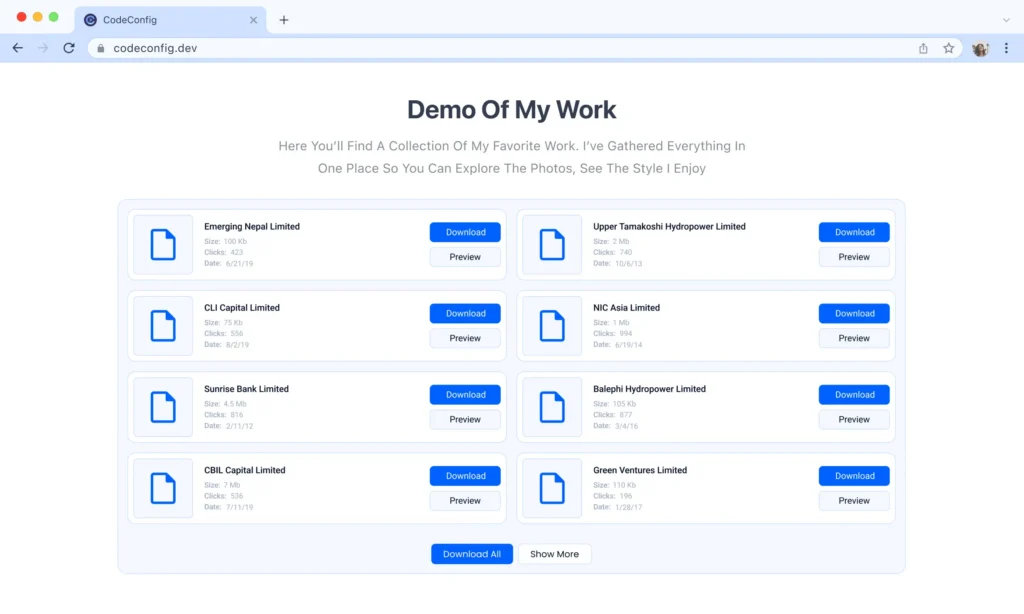
Create lists of any files using the File List module. Give your users full flexibility to view, sort, Download, and access files directly within WordPress.
View Demo
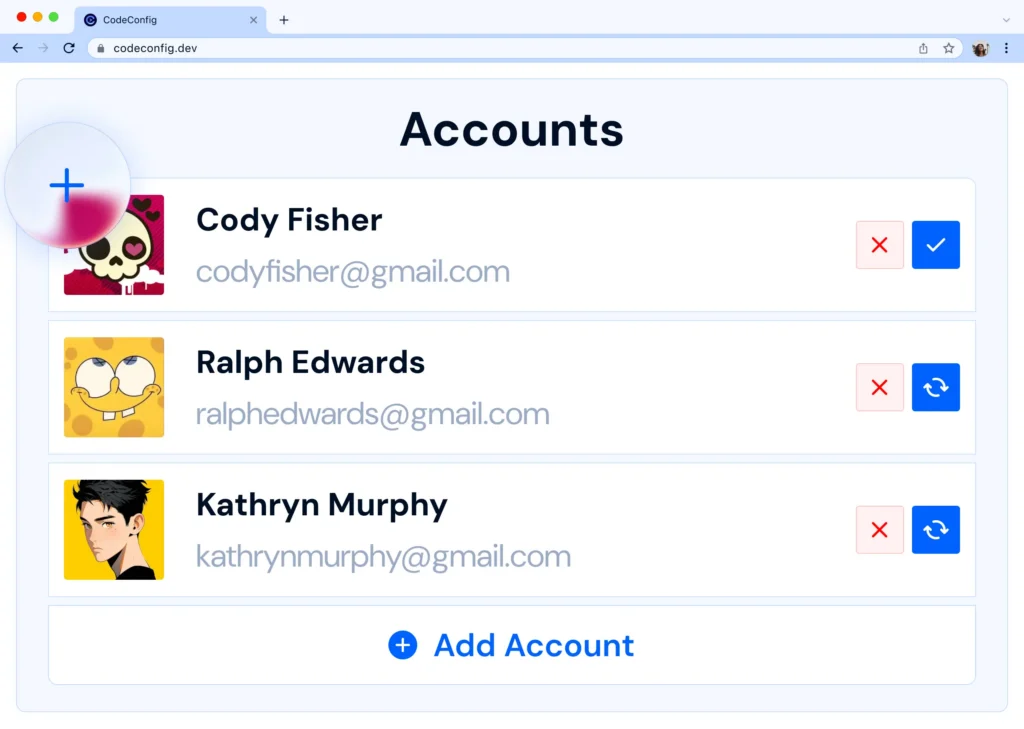
Connect and manage multiple Dropbox accounts easily. Access files from different accounts in one place without any pain.
View Demo
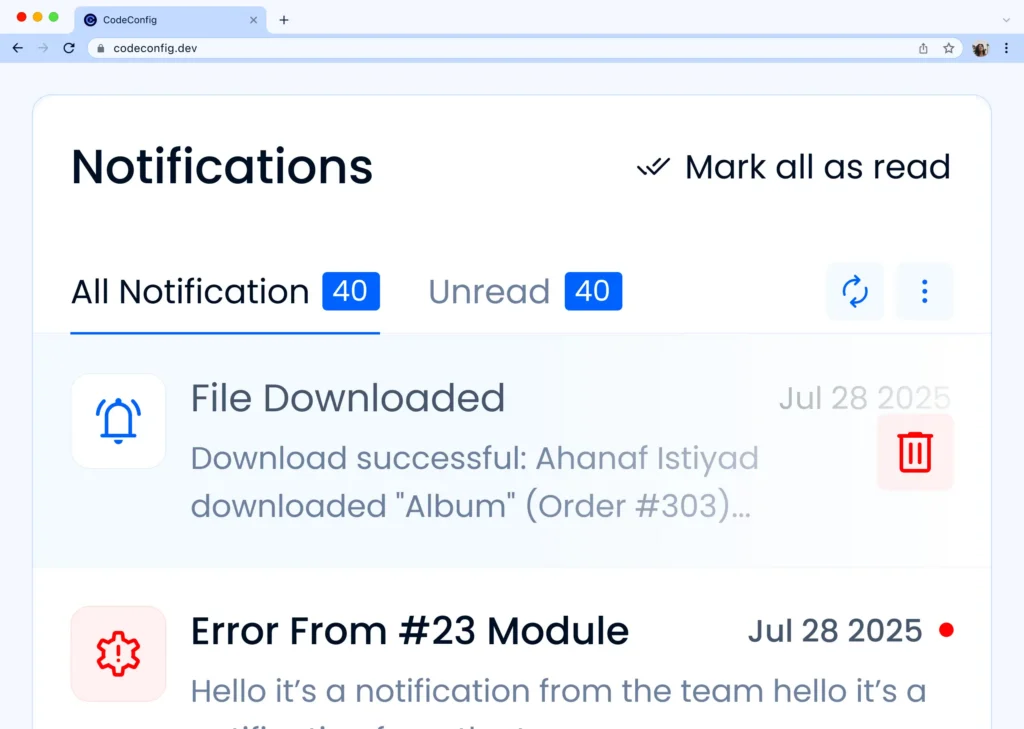
Stay updated with real-time notifications for Dropbox activities. Get instant alerts on file uploads, changes, or shares.
View Demo
Easily use Dropbox files in your WooCommerce store. Add media, sell digital products, and manage everything.
View DemoThe plugin works well. Also, much more reasonable license pricing for commercial use compared to the solution from “Out-of-the-box”. The best with this solution is the support. Always quick to reply and very helpful. Easy to communicate with, and also helped me learn how to use the plugin the way I wanted, highly recommended.
The plugin works well. I was very pleased with the personal video chat support. Much appreciated.
Plugin works as described. When figuring out how to set up a file uploader, support helped greatly.
This plugin is what I needed. Had a few hiccups when getting things set up, but support was great and solved my issue quickly.
This Integrate Dropbox plugin for WordPress is fantastic! It’s made managing files and enhancing content effortless, and the support team is always prompt and helpful whenever I need assistance. Highly recommend!
The plugin connects to Dropbox easily, and the UI is clean. I like that I can browse my Dropbox folders right from WordPress, and setting up file links was straightforward. Had a minor question during setup, and support got back to me fast.
As a new WordPress user, I wondered if I could connect Dropbox to it. Then I found the File Manager for Dropbox plugin, and it’s been a game-changer!
Got questions? We've got answers. Find quick solutions to common queries about our Dropbox integration plugin.
File Manager for Dropbox is a WordPress plugin that lets you connect your Dropbox account to your site, allowing you to manage, display, and share files directly from Dropbox without uploading them manually.
Go to the plugin settings, click “Connect to Dropbox,” and follow the authentication steps. Once connected, your WordPress site can securely access your Dropbox files.
If your Dropbox images or folders aren’t appearing, make sure your account is properly connected, check file permissions in Dropbox, and verify that your WordPress site meets the plugin’s PHP and memory requirements. Try clearing your browser cache or re-authenticating the plugin.
Yes, the plugin supports uploading large files directly to Dropbox, bypassing WordPress’s upload size limits depending on your hosting settings.
Yes, you can embed files, folders, and media players using shortcodes or built-in page builder widgets.
Yes, the plugin includes permission management, allowing you to restrict file access based on WordPress user roles.